Support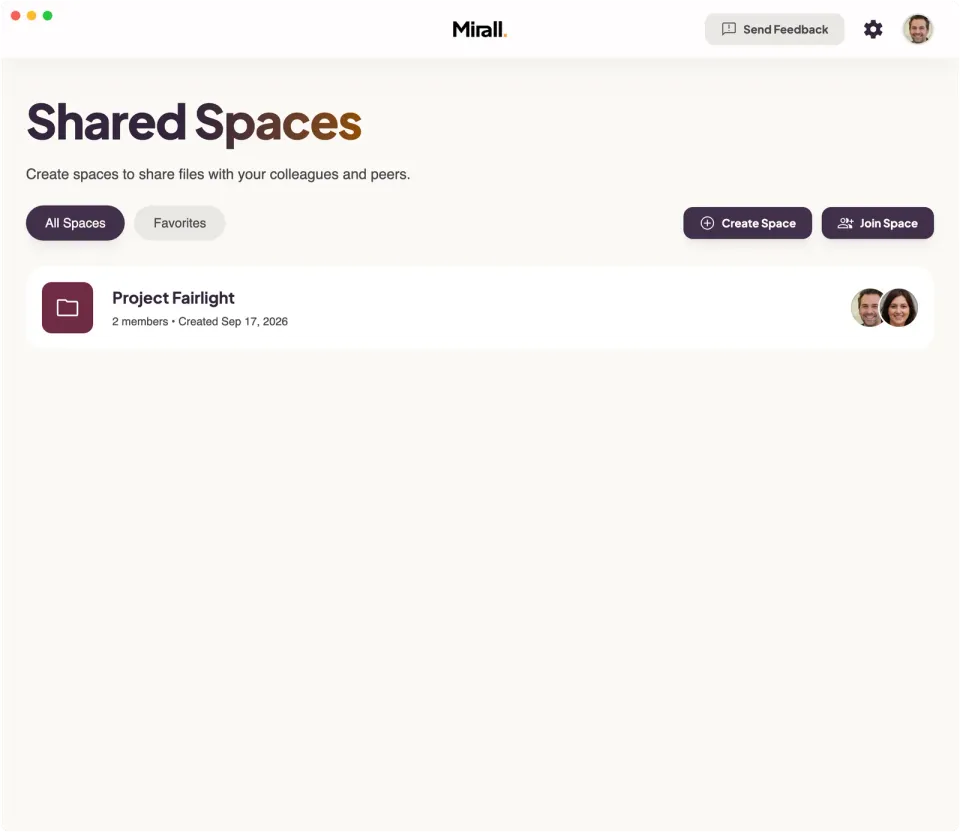
Get help with Mirall
Mirall has built-in support. Click Send Feedback in the top right corner of the app to report a problem, request a feature, or ask a question. Add your email if you'd like a reply, and tick Include a screenshot of the current view when a picture explains it faster. Mirall attaches the version you're running and your platform, so we start from the same facts. Your message goes directly to our team.How to reach us
- 1Open Mirall on your desktop
- 2Click Send Feedback in the top right corner
- 3Describe your issue or question — add your email if you want a reply
- 4Hit send — we'll get back to you
No external ticketing system, no email chains. Everything stays in the app.
Common problems
A handful of things come up often enough to be worth naming. Each one is covered in full in the documentation.
On Windows, the installer says the app package can't be opened
The error comes from App Installer, the Windows component behind a double-clicked.msix— not from Mirall, and not from the part of Windows that does the installing. One PowerShell command installs it directly and skips App Installer entirely.Install Mirall on Windows when the package won't openSomeone you invited is stuck on “Waiting to be let into…”
A member of the space has to be online and reachable before anyone can be let in. That includes auto-approve, which removes the approval step but not the hand-over — the link carries the address of the space, never the key to it.Fix a join that gets stuckYour avatar has a coloured ring, or a transfer won't start
Red means Mirall can't reach other people at all, amber that it can reach some but not others. The notification's What can I do? opens a page that names the likely cause and lists what to try, in order.Fix a connection problemA file reads “Owner offline” and won't download
Files are served from the device that shared them, not from a server. The person who shared it has to be online and running Mirall while you download.Spaces, members & availabilityA large download stopped part-way
Nothing is lost. A transfer picks up where it stopped as soon as you're both back online, and you can pause and resume it by hand. If the row names a local problem — Disk full, Permission denied, or Download folder unavailable — fix that and the download usually starts again on its own.Pause, resume, cancel, or retry a transferAn invite link is refused
Every link carries an expiry — 2 hours, 2 days, or 2 weeks. Once it lapses Mirall turns it down, and you need a fresh one.Invite people to a spaceDownloads fail because the download folder is unavailable
Mirall can't reach the folder it saves into — usually an external drive or a network share that went away. Reconnect it, or choose another folder, and the waiting downloads resume on their own while the sharer is online.Choose where downloads goMirall shows “Mirall needs to be restarted” or “Mirall's background service stopped”
The part of Mirall that runs in the background couldn't keep going. Quit Mirall completely and open it again. If “needs to be restarted” keeps coming back, reinstall the latest version.Update Mirall
Before you report a problem
Anything you can tell us here saves a round trip. Most reports come down to what each device could see at the time.
- What you did, and what happened instead. The exact wording Mirall showed you is worth copying out.
- Whether both devices were running Mirall at the moment it went wrong.
- What Profile → This device → Connection says — the headline, and the Connection summary underneath it.
- Which version each device is running. Yours is on the Profile page, under App.